View the full step-by-step guide here.
Password Recovery with Security Question
This guide walks you through how to reset your iSolved password using your security question.
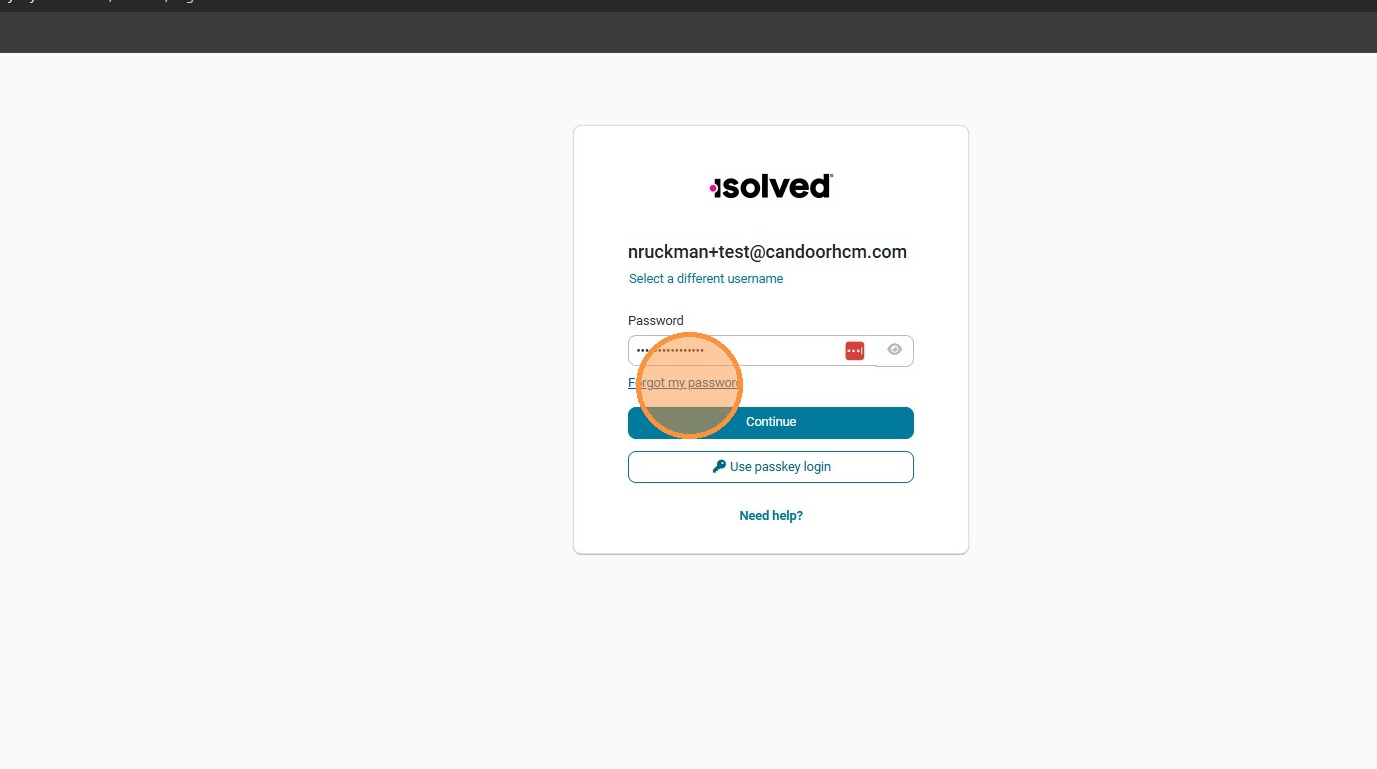
Step 1. Select Forgot my password.
Step 2. Enter your username and click Send reset link.

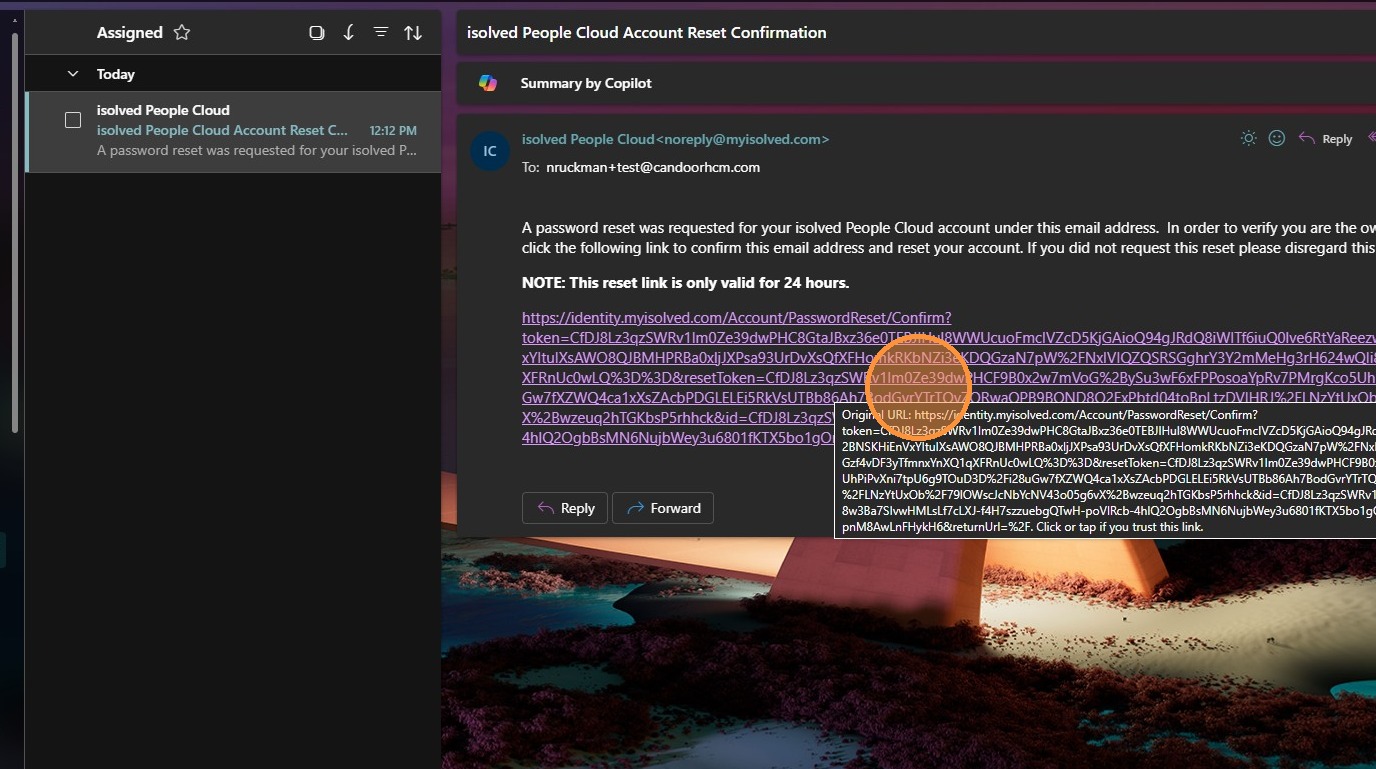
Step 3. Click the reset link in the confirmation email.
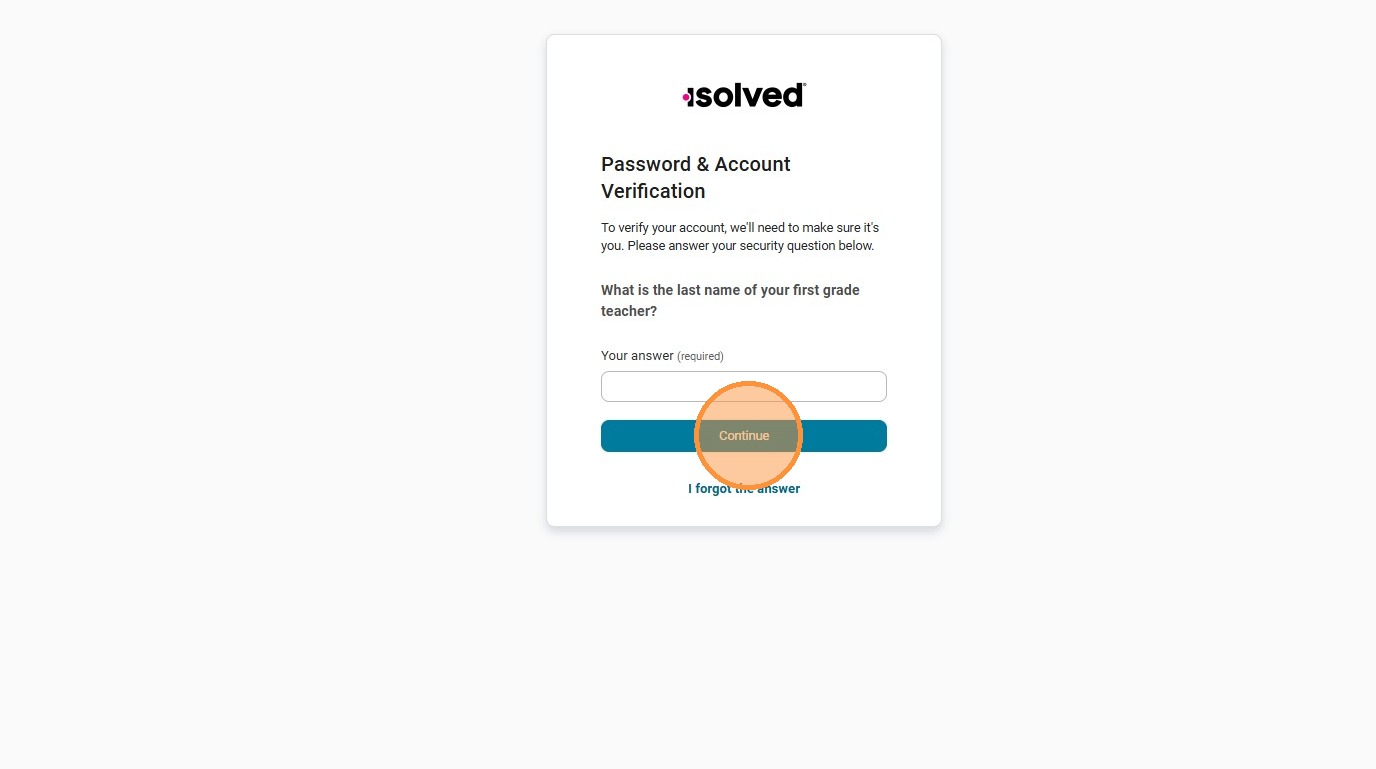
Step 4. Enter your Security Question answer and click Continue.
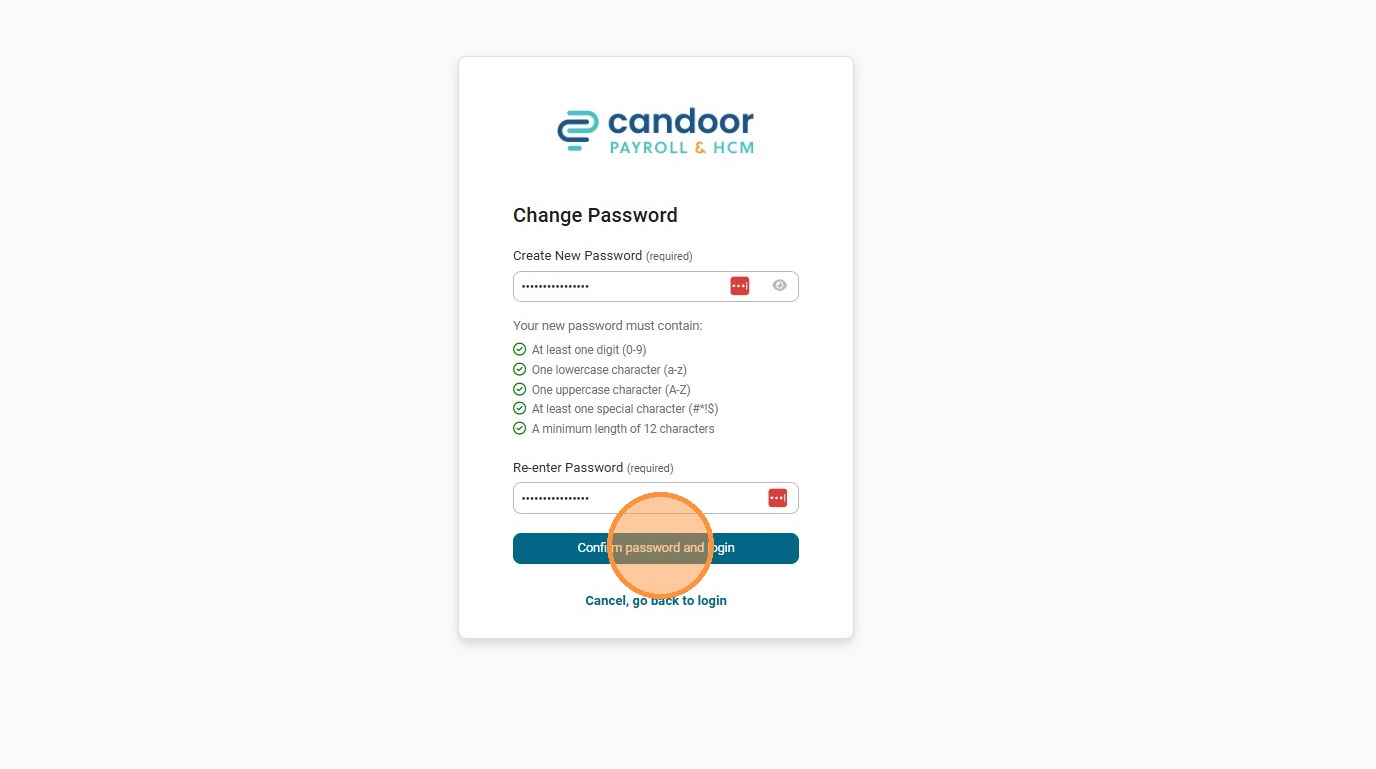
Step 5. Enter your new password and click Confirm password and login.