View the full step-by-step guide here.
Edit Password
This guide walks you through how to update your iSolved password quickly and securely.
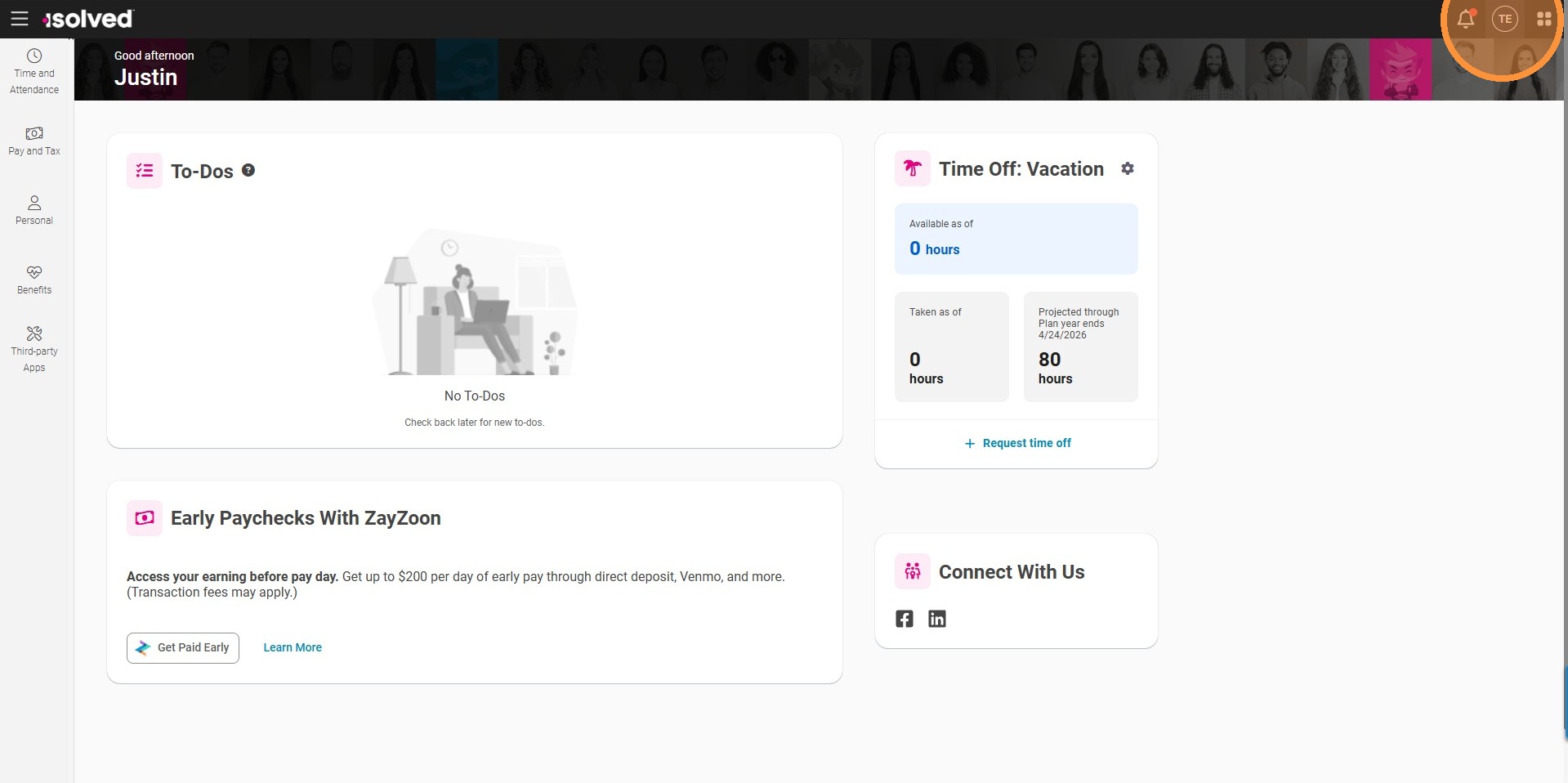
Step 1. Click the Profile Icon in the top right corner.
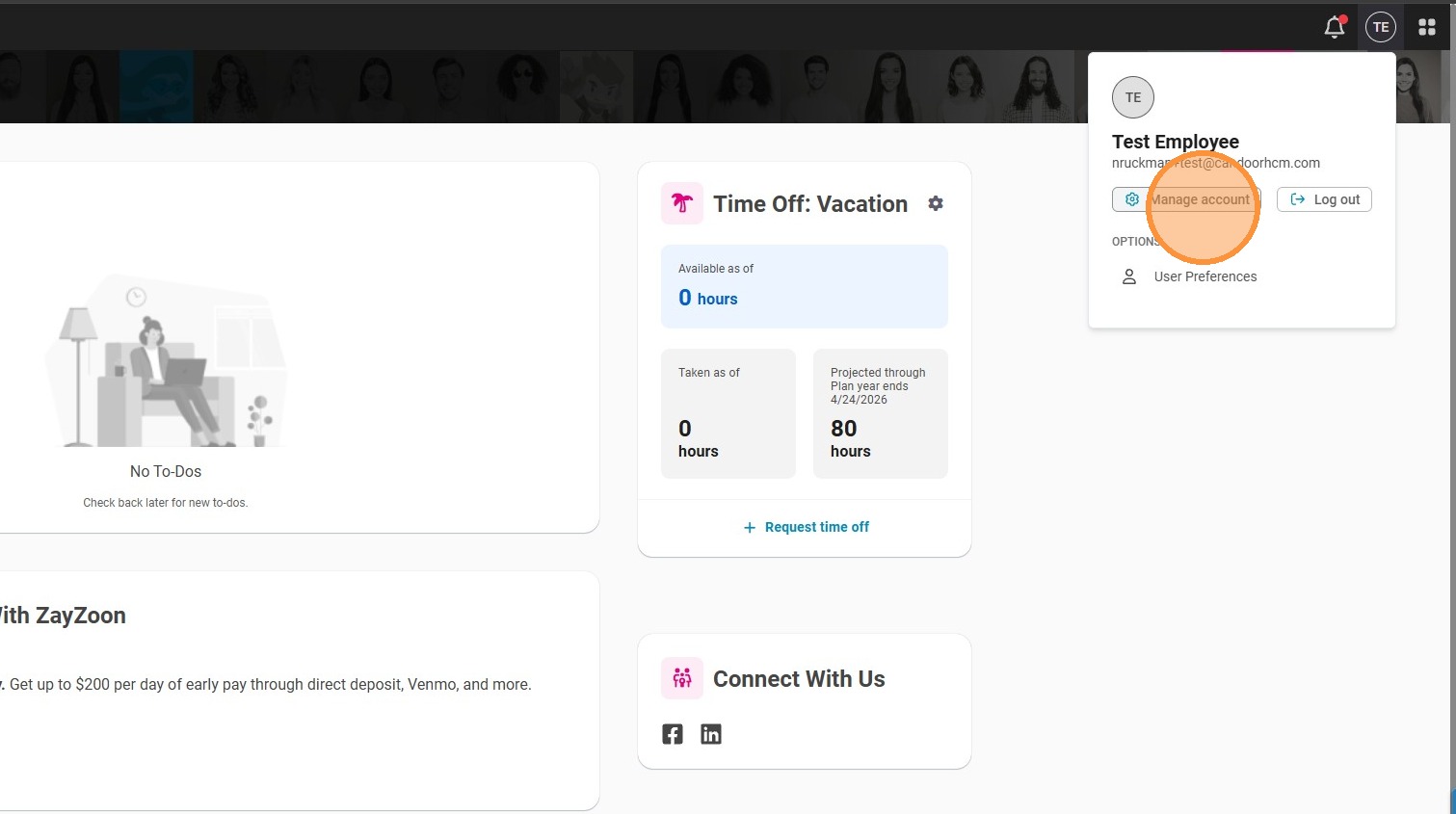
Step 2. Select Manage Account.
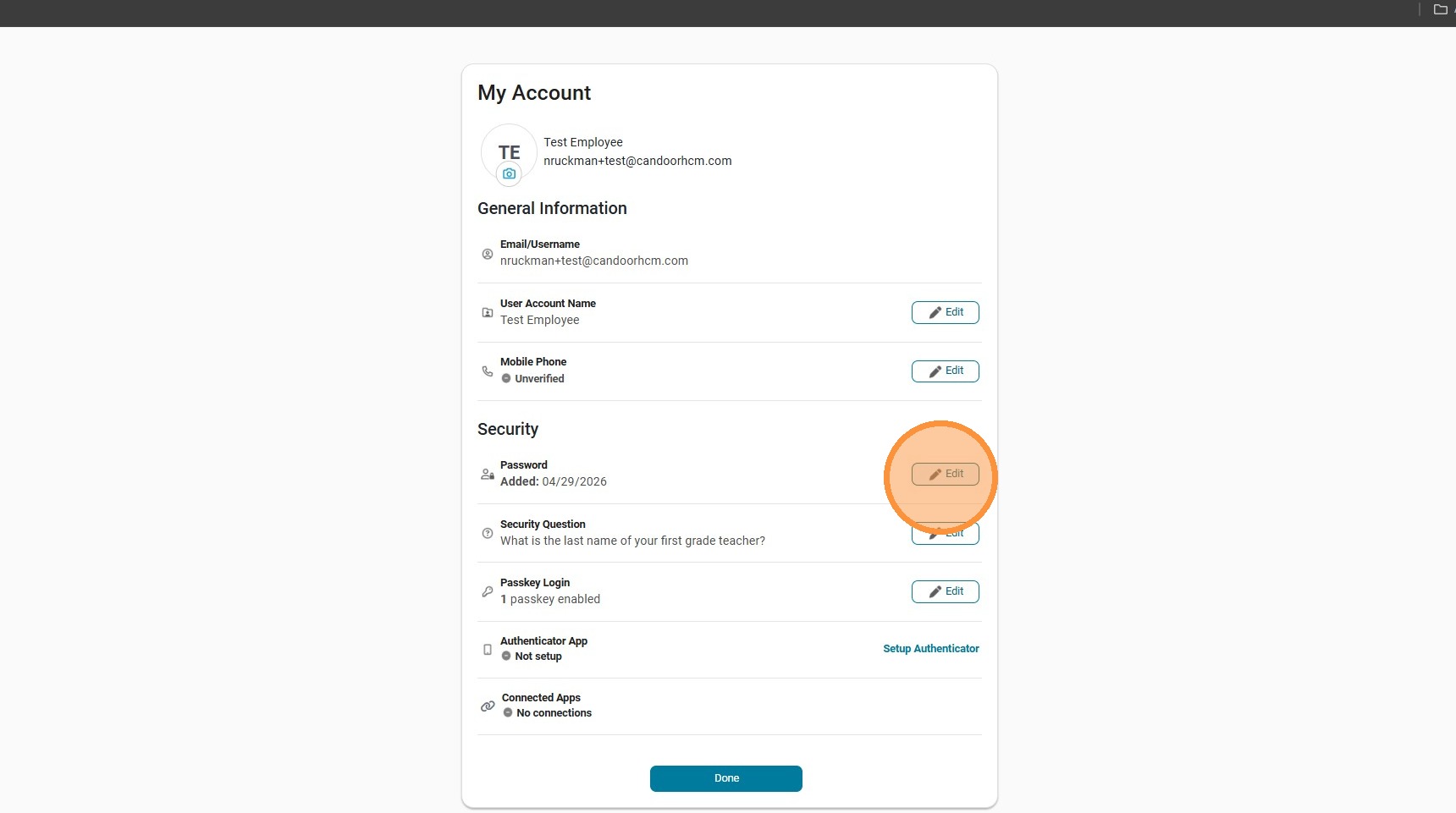
Step 3. Click Edit next to Password.

Step 4. Enter your current password and new password, then click Save.